
Point of Sale
Your POS System Is More Than a Cash Register: What Businesses Should Look For
By Chellecomm Team · · 5 min read
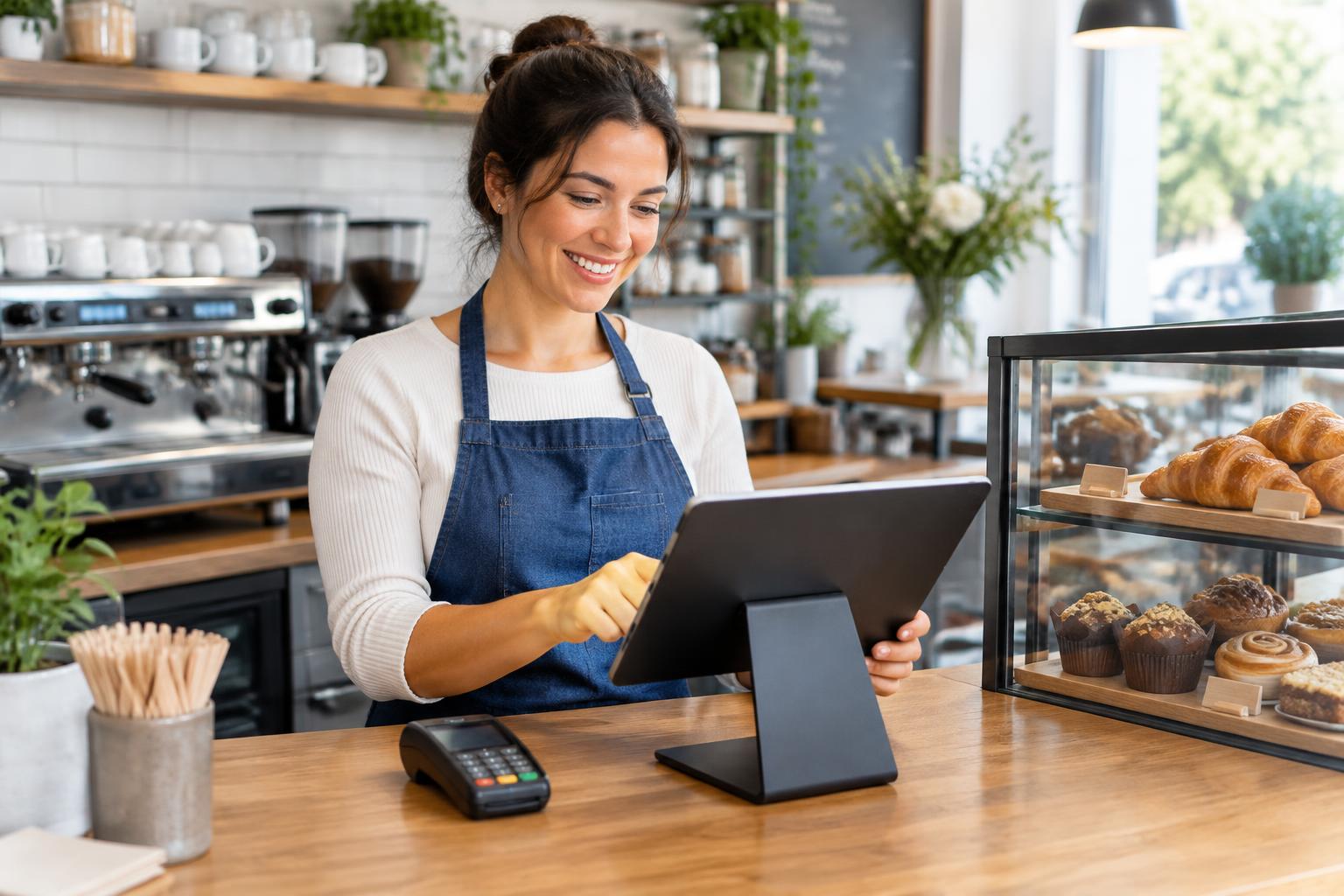
A point-of-sale system can do much more than calculate a total and accept a card. For many businesses, the POS sits at the center of customer checkout, employee workflows, payments, reporting, inventory, and other daily operations. That makes choosing a system a more important decision than simply finding a new terminal. The right POS system depends on what your business needs it to do.
What Is a POS System?
A point-of-sale system is the combination of hardware and software a business uses to manage transactions at the point where a sale occurs.
Depending on the system, that can include payment acceptance, order entry, receipts, product information, reporting, inventory, employee functions, customer data, and integrations with other software. Some POS systems are relatively simple. Others act as major operational platforms. Before comparing brands, define which type your business actually requires.
What Is the Difference Between a Payment Terminal and a POS System?
A payment terminal is primarily used to accept and process payments. A POS system can include payment processing but may also manage a much broader set of business functions.
A small professional-services business may only need straightforward payment acceptance. A busy restaurant may need menus, order routing, tips, table management, employee permissions, and reporting. Buying more technology than you need can add unnecessary complexity, while choosing a system that is too limited can create problems as the business grows.
Start With Your Daily Workflow
The best POS evaluation starts by watching how your business operates.
- Where does checkout happen?
- How many employees use the system?
- Do customers pay at a counter, table, front desk, or somewhere else?
- Does staff need to take payments away from the primary checkout station?
- Do you process returns, deposits, tips, recurring transactions, or special orders?
The answers help separate important functionality from features that may sound appealing but have little practical value.
Make Sure It Supports Modern Payment Methods
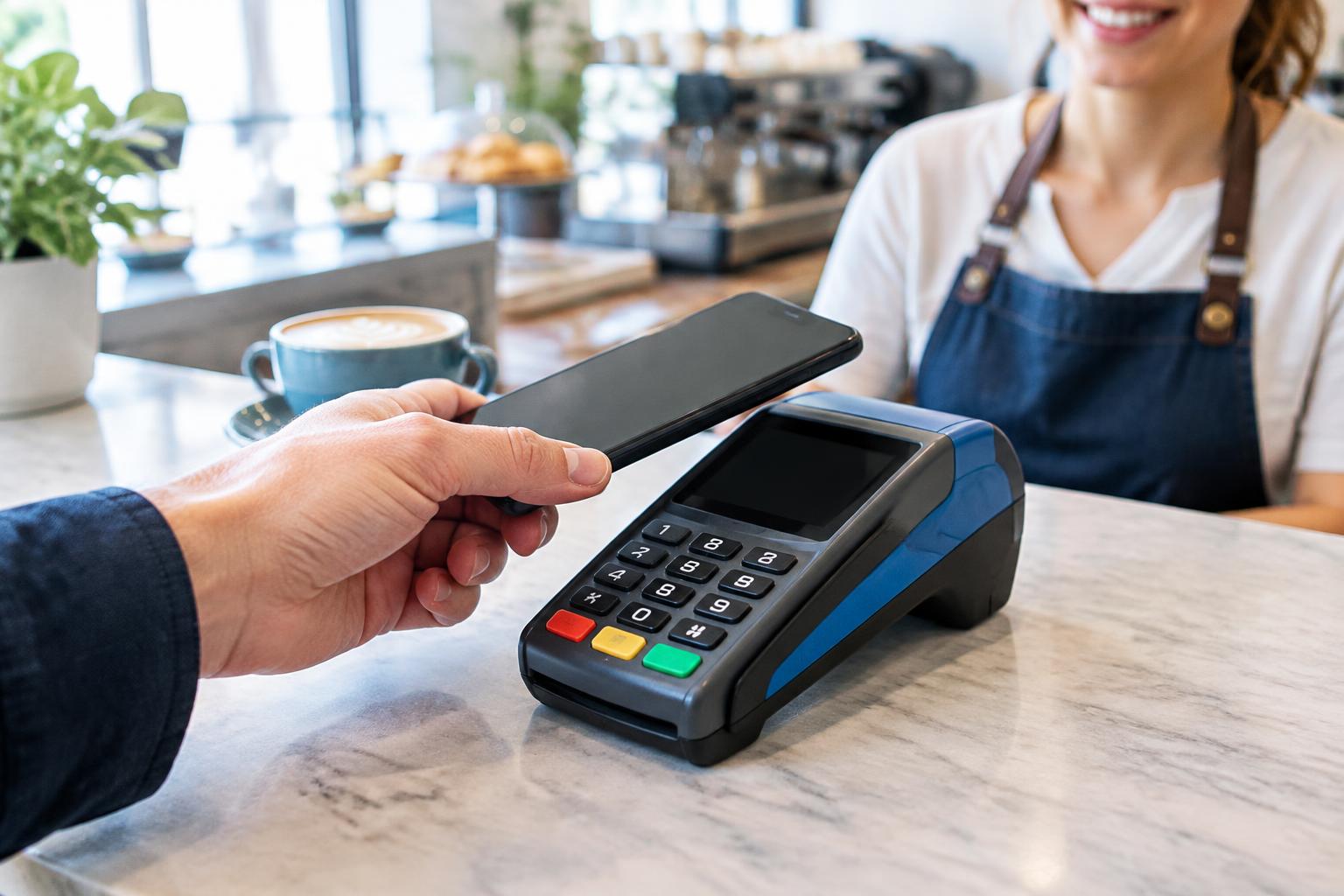
Businesses accepting in-person payments should understand which transaction types the system supports, such as chip cards, contactless cards, and mobile wallets. You do not necessarily need every available method, but your payment technology should align with reasonable customer expectations. For a closer look at how these technologies work, see our guide to EMV, NFC, Mobile Payments and More
Look Beyond the Checkout Screen
A POS system often generates valuable operational information. Consider what reporting your team needs.
- Do you need to review sales by location, employee, product, service, or time period?
- Will managers need remote access to reports?
- How easily can information be exported or reconciled with accounting systems?
A system that processes payments effectively but makes basic reporting unnecessarily difficult may create more work for employees elsewhere.
Think About Integrations Early
POS systems frequently need to communicate with other business technology. That might include accounting platforms, inventory systems, online stores, loyalty programs, scheduling software, or industry-specific applications. Before selecting a POS platform, create a list of systems your business already relies on. Then, verify compatibility rather than assuming an integration exists.
This becomes especially important when replacing an established system because employees may depend on workflows that are easy to overlook during a sales demonstration.
Consider Mobility
A fixed checkout counter is not the right experience for every business. Restaurants may want servers to take payments at the table. Service businesses may need to collect payment at a customer's location. Retail businesses may want employees to complete transactions away from the main register during busy periods. If mobility matters, look at how portable devices connect to the rest of the payment and POS environment. The experience should be manageable for both employees and customers.
Think About Multiple Locations Before You Need Them
If your business may expand, consider how the system handles more than one location.
- Can you manage several stores or offices from the same platform?
- Can reporting be viewed by individual location and across the entire company?
- Can permissions vary by employee or location?
- Can pricing, products, or services be centrally managed?
Even if you operate from one location today, asking these questions can prevent an unnecessary platform change later.
Understand the Hardware Commitment
POS hardware can include terminals, tablets, receipt printers, cash drawers, scanners, customer displays, and other devices. Ask what hardware must be purchased or leased, which equipment you own, and what happens if you change providers. You should also understand whether the hardware works only with a particular platform. A low initial equipment cost can be less appealing if the technology restricts your choices later.
Ask How Payment Security Is Addressed
Any system involved with payment information should be evaluated with security in mind. Ask providers how the POS and payment environment are configured, what security features are included, and which PCI DSS responsibilities remain with your business. Our guide to switching payment processors covers the security questions worth asking.
Do Not Ignore Ease of Use
Feature lists often receive more attention than usability. That can be a mistake.
Your employees may use the POS system dozens or hundreds of times each day. An interface that requires unnecessary steps can slow service and increase training requirements. When possible, have the people who will actually use the system participate in the evaluation. A manager and a cashier may notice very different things.
What Questions Should You Ask Before Choosing a POS System?
Before committing to a platform, ask:
- Does it support our actual workflow?
- Which payment methods can we accept?
- Which hardware is required?
- What does the hardware cost?
- Which business systems can it integrate with?
- What reporting is included?
- Can the system support multiple locations?
- What happens if we add new sales channels?
- What support is available?
- What are the contract and cancellation terms?
- How is payment security addressed?
- Can we export our data if we eventually leave?
A useful POS decision considers the entire relationship, not just the screen customers see at checkout.
Choose a System for the Business You Actually Run
The best point-of-sale system is not the platform with the most features. It is the one that supports your workflow without adding unnecessary complexity.
Chellecom helps businesses evaluate payment and point-of-sale options based on their industry, operations, and growth plans.
If you are considering a new POS or payment setup, talk with Chellecom about what your current system does well and what you need the next one to do better.
Frequently Asked Questions
What is the difference between POS and payment processing?
Payment processing handles the transaction, while a POS system can manage additional functions such as orders, products, reporting, employees, or inventory.
Does every business need a full POS system?
No. Some businesses only need payment acceptance, while others benefit from a broader operational platform.
Can a POS system accept contactless payments?
Many modern systems can support contactless transactions when used with compatible payment hardware and services.
Should I choose my payment processor or POS system first?
It depends on your business. Because processor and POS compatibility can affect your options, it is usually best to evaluate them together before committing to either.
Related Articles
Payment Processing
EMV, NFC, Mobile Payments and More: A Business Owner's Guide
Understand EMV, NFC, contactless payments, mobile wallets, payment gateways, and other common payment technology in straightforward business terms.
· 5 min read

Payment Processing
Payment Approval Rates Explained: Why Successful Transactions Matter as Much as Processing Costs
Learn what payment approval rates are, why legitimate transactions get declined, and how payment performance can affect revenue, conversion, and customer experience.
· 8 min read

Payment Processing
Switching Payment Processors? 10 Questions to Ask Before You Sign Anything
Thinking about changing payment processors? Ask these 10 questions about rates, contracts, equipment, integrations, support, and security before you sign.
· 4 min read